

Not too long ago, Docker Desktop introduced a new Files tab in the container view:
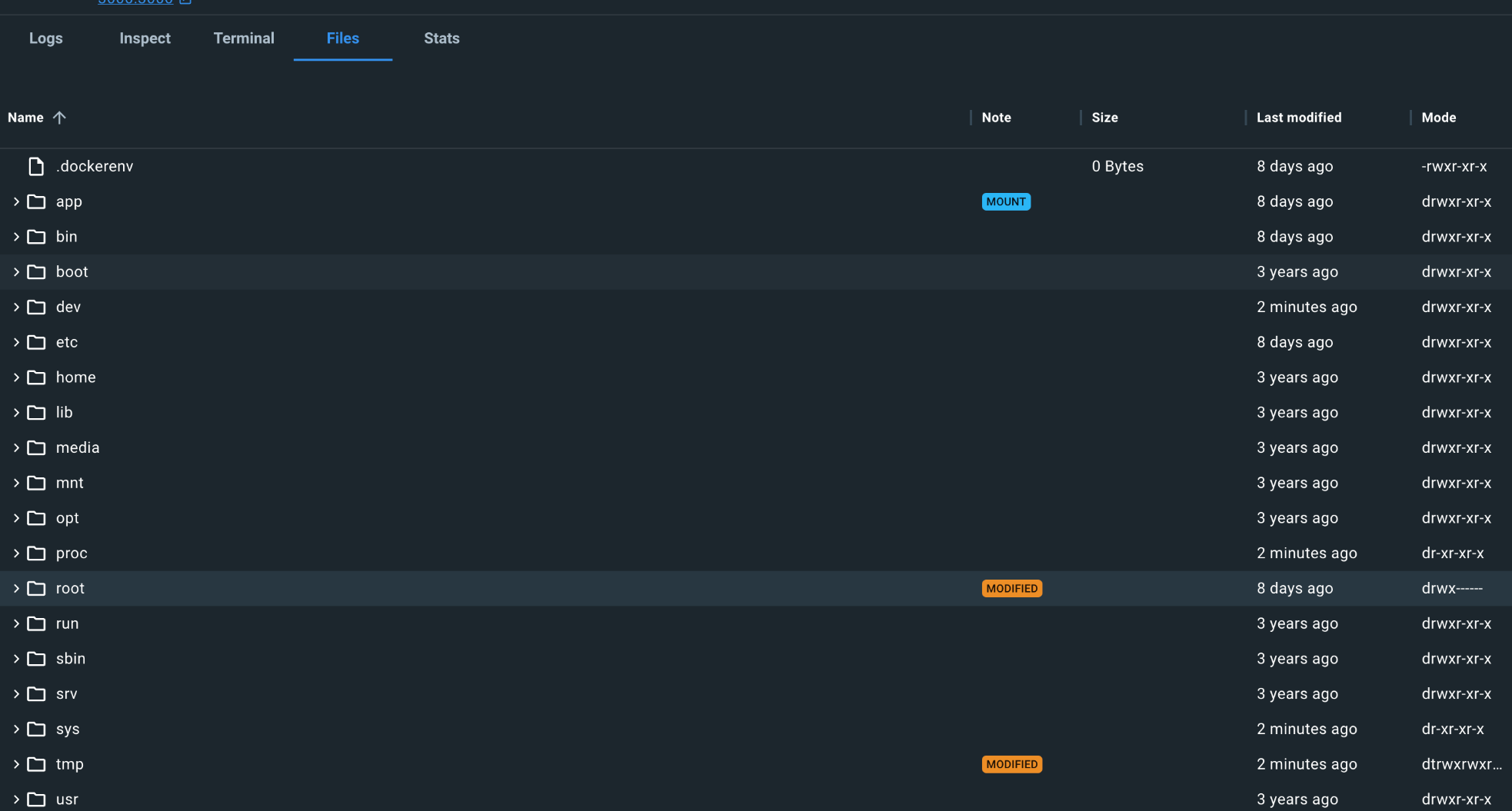
This can be extremely handy when troubleshooting something inside a container. You could always do this by running docker exec and then ls or cat or whatever, but this is a much nicer interface.
As an added bonus, you can easily see any mounted paths and anything that has changed since the container was built. Both are useful tools for troubleshooting as well.
Here to help,
Joel
P.S. Setting up a Docker environment is one of the first things we do when joining a project.